Last week at my favorite local café, I skipped the crumpled paper menu and scanned a QR code stuck to the table. In seconds, the menu popped up on my phone—no touching, no waiting. It got me thinking: how do these tiny black-and-white squares hold so much information? And are the myths I’ve heard (like “QR codes are always unsafe”) true?
How do QR codes actually work?
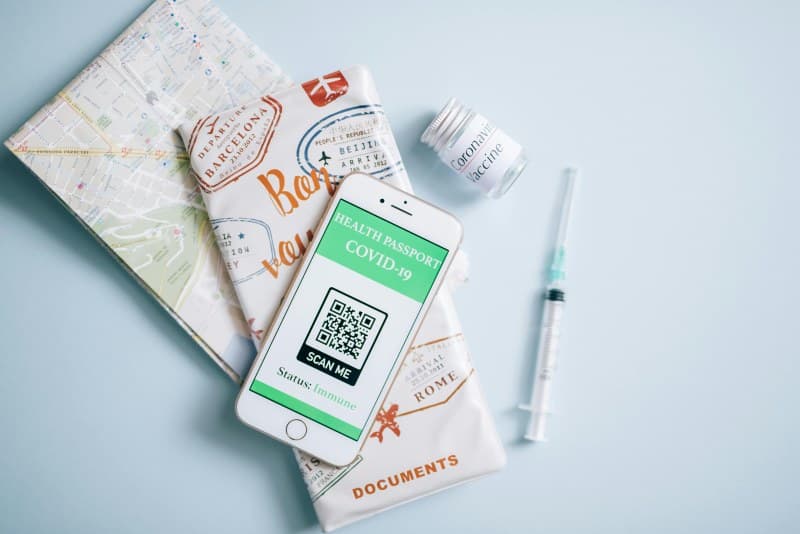
QR stands for Quick Response, and they’re a type of 2D barcode. Unlike 1D barcodes (the ones on grocery items that only store numbers), QR codes use a grid of black and white squares to store data—text, URLs, contact info, even Wi-Fi passwords. When your phone’s camera scans the code, an app (or built-in feature) decodes the pattern into usable information. The best part? You can scan them from any angle, and they hold way more data than their 1D cousins.
4 Common QR code myths debunked
Let’s break down the most persistent myths and their truths:
| Myth | Fact |
|---|---|
| QR codes are always unsafe to scan | Most are safe, but avoid unknown sources (e.g., random stickers on lampposts or unsolicited emails) |
| QR codes only store website URLs | They can hold text, contact details, Wi-Fi credentials, event tickets, and more |
| You need a separate app to scan QR codes | Modern iPhones and Android phones have built-in scanners in their camera apps |
| QR codes are only for businesses | Individuals use them too—think sharing a resume link, event invite, or even a personal playlist |
Practical uses of QR codes
QR codes aren’t just for menus. They’re everywhere:
- Payments: Apps like Venmo or PayPal use QR codes for quick, contactless transfers. Just scan a friend’s code to send money.
- Event tickets: Concerts and festivals send QR codes as digital tickets—no more fumbling with paper stubs.
- Contact sharing: Instead of exchanging business cards, scan a QR code to add someone’s name, number, and email to your phone instantly.
- Product info: Scan a QR code on a product to see reviews, ingredients, or assembly instructions.
Pros and cons of QR codes
Like any tool, QR codes have their ups and downs:
| Pros | Cons |
|---|---|
| Fast and easy to use | Can be used for phishing (malicious links) |
| Cost-effective (free to generate online) | Not accessible for visually impaired users (without assistive tech) |
| Flexible (print on flyers, stickers, or even clothing) | Require a smartphone to scan |
| Updateable (link to a webpage that can be changed later) | May not work if the code is damaged or blurry |
Wisdom about simplicity
Simplicity is the ultimate sophistication. — Leonardo da Vinci
This quote fits QR codes perfectly. They’re a simple tool that solves complex problems—like reducing physical contact during a pandemic, or making data sharing faster. You don’t need a degree in tech to use them, and that’s their superpower.
FAQ: Are QR codes safe to scan?
Q: I’ve heard QR codes can lead to scams. Should I avoid them?
A: Most QR codes are safe, but use common sense. Don’t scan codes from unknown sources (e.g., random flyers or unsolicited texts). If you scan a code and it takes you to a suspicious website (like one asking for your bank details), close it immediately. For payments, always verify the recipient before sending money.
QR codes have become a staple in our digital lives. Next time you scan one, you’ll know exactly what’s happening behind the scenes—no more mystery, just a simple, powerful tool doing its job.