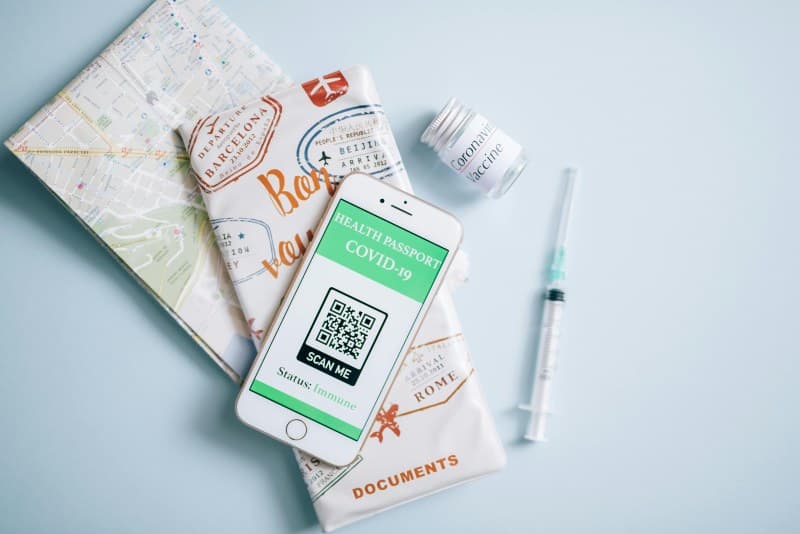
Ever walked into a café, pulled out your phone, and scanned a square pattern to see the menu? That’s a QR code—those black-and-white squares have become everywhere, but do you know how they actually work? Let’s break it down simply, no tech jargon required.
What Are QR Codes, Anyway?
QR stands for Quick Response. Unlike traditional barcodes (which are 1D, meaning they store data in a single line), QR codes are 2D—they use both horizontal and vertical space to hold more information. Think of them as a digital shortcut: scan one, and you’re instantly taken to a URL, a text message, contact details, or even a Wi-Fi network.
How QR Codes Work: The Basics
When you point your phone’s camera at a QR code, the app (like your phone’s built-in scanner or a third-party app) reads the pattern of black and white squares. Each square represents a bit of data—together, they form a code that the app decodes into something useful. For example, a café’s QR code might decode to their online menu URL, so your phone opens that page automatically.
2 Key Types of QR Codes: Static vs Dynamic
Not all QR codes are the same. Here’s a quick comparison of the two main types:
| Type | Data Storage | Editable? | Common Use Cases | Pros | Cons |
|---|---|---|---|---|---|
| Static | Data is hardcoded into the code | No | Business cards, fixed URLs (e.g., a restaurant’s website) | Free to create, never expires | Can’t update data—if you change your URL, you need a new code |
| Dynamic | Data links to a short URL that redirects to the actual content | Yes | Menus, event tickets, marketing campaigns | Can update content without reprinting the code, track scans | May require a paid service for advanced features |
Common Myths About QR Codes Debunked
Let’s clear up some misconceptions:
- Myth 1: QR codes are always unsafe. While scamming via QR codes exists (e.g., fake codes leading to phishing sites), most are safe. Just check the URL before opening it—if it looks suspicious (like a random string of characters), don’t click.
- Myth 2: QR codes can only store URLs. Nope! They can hold contact info (vCard), Wi-Fi passwords, text messages, or even payment links (like Venmo or PayPal).
Practical Uses of QR Codes in Daily Life
QR codes aren’t just for menus. Here are a few ways they make life easier:
- Contactless payments: Scan a code to pay at a store or café without touching cash or a card.
- Event tickets: Use a QR code on your phone instead of a paper ticket—no more losing it!
- Wi-Fi access: Scan a code to connect to a Wi-Fi network without typing the password.
A Real-Life Example: Maria’s Café
Maria owns a small café in downtown Portland. Before QR codes, she printed new menus every month—costing her time and money. Then she switched to dynamic QR codes. Now, when she adds a new latte flavor or changes a price, she updates the menu online, and the QR code still works. Her customers love it (no more sticky menus!), and she saves $50 a month on printing.
“Simplicity is the ultimate sophistication.” — Leonardo da Vinci
This quote fits perfectly with QR codes. They take complex information (like a menu or payment link) and turn it into a simple, scannable square—making life easier for everyone.
FAQ: Your QR Code Questions Answered
Q: Can QR codes expire?
A: Static QR codes never expire. Dynamic ones can be set to expire (e.g., an event ticket code that stops working after the event ends) or stay active forever—depending on the service you use.
Next time you scan a QR code, you’ll know exactly what’s happening behind the scenes. They’re more than just a trend—they’re a simple tool that’s here to stay.