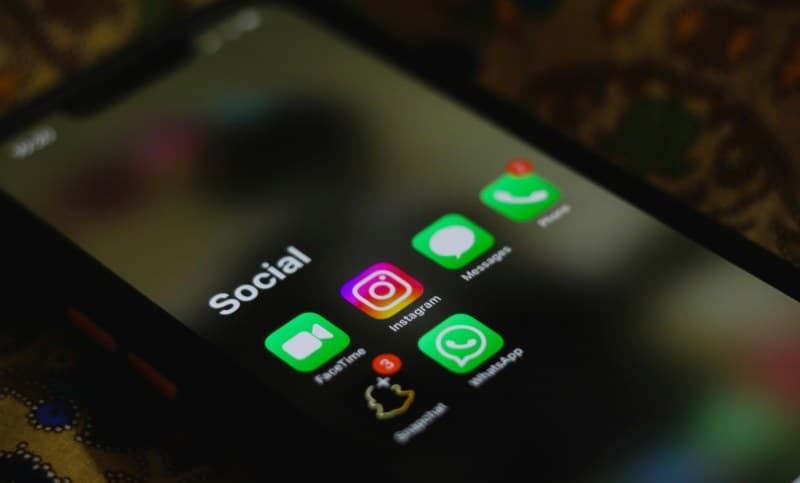
You’re rushing to work, phone in your pocket, when a ping makes you glance down. It’s your go-to coffee shop: ‘10% off your morning latte—valid for the next 30 minutes!’ Perfect timing, right? That’s a push notification, and it’s not just magic—it’s a carefully designed system working behind the scenes.
What Exactly Are Push Notifications?
Push notifications are short messages apps send to your device, even when the app isn’t open. They’re meant to grab your attention with timely, relevant info—from breaking news to order updates, or that coffee discount you just got.
“The art of communication is the language of leadership.” — James Humes. While push notifications aren’t about leadership, they are about effective communication: apps use them to connect with users in real time, cutting through the noise of a busy digital world.
7 Key Components That Make Push Notifications Work
Let’s break down the system step by step:
- App Server: The app’s backend that triggers the notification (e.g., the coffee shop’s server sending the discount alert).
- Push Service Provider: A middleman (like Firebase Cloud Messaging for Android or APNs for iOS) that delivers the message to your device.
- Device Token: A unique ID for your device, so the push service knows exactly where to send the message.
- Payload: The content of the notification—title, message, icon, and any action buttons (like “Redeem Now”).
- Notification Center: Where the message lives on your device until you tap, dismiss, or ignore it.
- User Action: What you do next—this data helps apps improve future notifications.
- Analytics: Metrics like how many users tapped the notification, which helps apps refine their strategy.
Types of Push Notifications: A Quick Comparison
Not all push notifications are the same. Here’s how the three main types stack up:
| Type | Purpose | Example | User Relevance |
|---|---|---|---|
| Transactional | Update on user’s action/account | “Your order has shipped—track it here!” | High (directly tied to user activity) |
| Promotional | Drive sales/engagement | “20% off all summer dresses—ends tonight!” | Medium (depends on user interest) |
| Social | Connect users to others | “Your friend liked your photo!” | High (builds community) |
Common Myths About Push Notifications Debunked
- Myth 1: “Push notifications drain my battery fast.” Reality: Modern systems optimize delivery to minimize battery use—too many notifications are the real culprit, not the feature itself.
- Myth 2: “I can’t stop apps from sending notifications.” Reality: You can turn them off in your device’s settings for each app individually—no more unwanted spam.
- Myth 3: “All push notifications are spam.” Reality: Many are useful—like flight delays or appointment reminders. It’s up to you to curate which apps send them.
Privacy Tips for Managing Push Notifications
Push notifications can be intrusive if not managed. Here are a few tips to stay in control:
- Review app permissions: Only allow notifications from apps you actually care about.
- Turn off location-based notifications if you don’t want apps to know where you are (like that coffee shop alert).
- Avoid tapping notifications that ask for personal info (like passwords)—they’re likely scams.
FAQ: Your Push Notification Questions Answered
Q: Can apps send push notifications even if I’m not using them?
A: Yes! That’s the whole point—they’re designed to reach you when the app is closed. But you can disable this in your device settings if it’s annoying.
Push notifications are a double-edged sword: they can be super helpful or incredibly annoying. By understanding how they work and managing your settings, you can make them work for you—like that perfect coffee discount at just the right time.