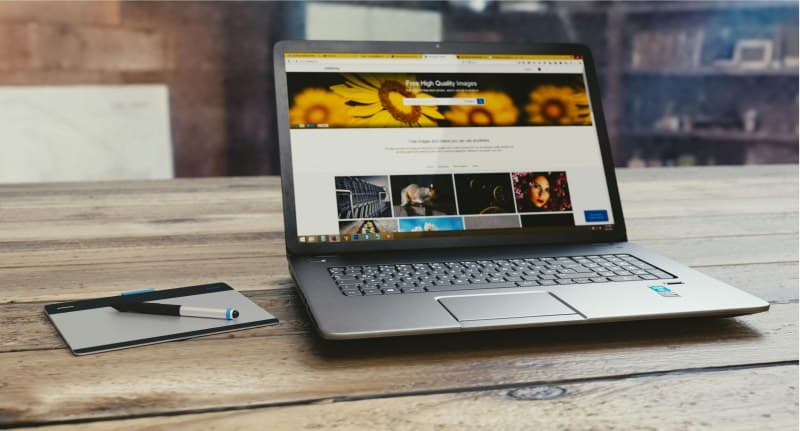
Let’s start with Lila’s story: She sits down to finish a work report, opens her laptop, and within 10 minutes, she’s switching between her email, Instagram, and a messaging app. By the end of the hour, she’s barely written a paragraph and feels frustrated. Sound familiar? We all have small digital habits that sneakily drain our focus without us noticing.
What Are These Hidden Focus-Draining Habits?
1. Mindless App Switching
You’re working on a document, then suddenly open a social media app “just to check.” This constant switching breaks your concentration and makes it harder to get back on track. Myth: “It’s just a quick check—no harm done.” The truth? Each switch takes your brain up to 23 minutes to refocus fully.
2. Non-Essential Notifications
Every ping from a game, social media, or shopping app pulls your attention away. Myth: “I need to stay updated on everything.” Fix: Go to your phone settings and turn off notifications for non-work apps during focus hours. You can check them later when you’re not busy.
3. Scrolling During Micro-Breaks
You take a 2-minute break from work and reach for your phone to scroll. Myth: “Breaks help me recharge.” The problem? Scrolling keeps your brain in “distraction mode” instead of letting it rest. Try stretching or drinking water instead.
4. Phone Within Arm’s Reach
Your phone is on your desk while you work. Myth: “I won’t touch it unless I need to.” Studies show even having your phone nearby (even if it’s off) reduces focus by 20%. Fix: Put it in another room or a drawer during work sessions.
5. Digital Multitasking
You’re watching a video while replying to emails or texting. Myth: “I’m being more productive.” The truth? Multitasking with digital tasks lowers your efficiency by up to 40% and increases mistakes.
Here’s a quick breakdown of each habit, its impact, and easy fixes:
| Habit | Impact on Focus | Quick Fix |
|---|---|---|
| Mindless App Switching | Takes 23 mins to refocus | Use app timers to limit non-work apps |
| Non-Essential Notifications | Constant attention breaks | Turn off non-work notifications during focus time |
| Scrolling During Micro-Breaks | Keeps brain in distraction mode | Try physical breaks (stretching, walking) |
| Phone Within Reach | Reduces focus by 20% | Put phone in another room/drawer |
| Digital Multitasking | Lowers efficiency by 40% | Batch tasks and focus on one at a time |
“The greatest weapon against stress is our ability to choose one thought over another.” – William James
This quote rings true for digital habits. When a notification pings, you have the choice to ignore it and stay focused instead of giving in. Small choices like this add up to better focus and less stress.
Common Question: Can I Balance Work and Digital Habits?
Q: Is it possible to use my phone for work without falling into these focus traps?
A: Absolutely. Try batch processing work emails (e.g., 30 mins in the morning and afternoon), use focus modes that only allow work apps, and set a timer for 25 mins of focused work followed by a 5-minute physical break (not scrolling). These small changes help you stay productive while using digital tools.
You don’tt have to fix all 5 habits at once. Pick one this week—like turning off non-essential notifications—and see how it affects your focus. Over time, these small changes will make a big difference in your productivity and well-being.