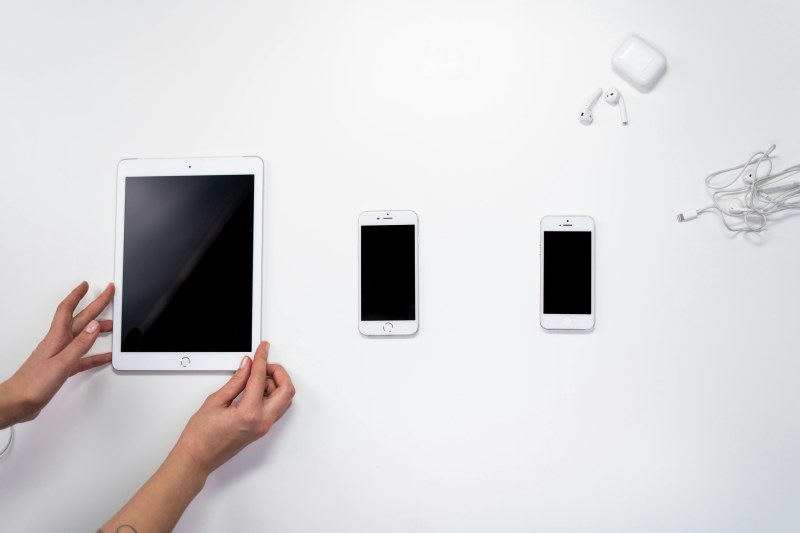
Last week, I sat down to finish a client report, promising myself I’d get it done in two hours. First, I checked my phone for "just a second"—next thing I knew, 30 minutes had vanished into a rabbit hole of cat videos and trending TikTok challenges. Sound familiar? We all have digital habits that sneakily drain our productivity without us even realizing it.
The 5 Digital Habits That Drain Your Productivity 📱
These habits are small, repeated actions that add up to big time losses. Let’s break them down and find easy fixes.
1. Constantly Checking Notifications 📳
Every ping, buzz, or pop-up pulls your brain away from the task at hand. Studies show it takes an average of 23 minutes to refocus after a distraction. Fix: Go to your phone settings and turn off non-essential notifications (like social media likes or game updates). Set specific times (e.g., 10 AM, 2 PM, 5 PM) to check your messages instead of reacting instantly.
2. Multitasking Between Apps 🖥️
Switching between a work document, email, and social media tab might feel productive, but it actually reduces efficiency by 20-30% (per Stanford University research). Fix: Try the Pomodoro Technique—work for 25 minutes on one task, then take a 5-minute break. During those 25 minutes, close all unrelated tabs and apps.
3. Scrolling Social Media "Just for a Minute" 📱
Social media algorithms are designed to keep you scrolling. That "one minute" often turns into 20 or 30. Fix: Use your phone’s built-in app timer (iOS Screen Time or Android Digital Wellbeing) to limit social media to 15-20 minutes a day. Or move social apps to a folder on the last screen of your phone so they’re less accessible.
4. Leaving Tabs Open (The "I’ll Get Back to It" Trap) 📑
Having 20+ tabs open in your browser causes decision fatigue—your brain has to process all those options every time you look at the screen. Fix: Close any tabs you’re not actively using. For tabs you need later, bookmark them in labeled folders (e.g., "Work Research" or "Vacation Ideas") so you can find them easily.
5. Working in a Distracting Digital Environment 🎧
Background noise from YouTube videos, podcasts with talking, or music with lyrics can make it hard to concentrate. Fix: Switch to instrumental music (like classical or lo-fi) or use noise-canceling headphones to block out distractions. If you work from home, consider a dedicated quiet space.
Habits vs. Fixes: A Quick Comparison
Here’s how each habit stacks up against its fix, and the time you could save weekly:
| Digital Habit | Impact on Productivity | Quick Fix | Estimated Weekly Time Saved |
|---|---|---|---|
| Constant Notifications | Breaks focus every 5-10 mins | Turn off non-essential alerts | 2-3 hours |
| Multitasking | Reduces efficiency by 20-30% | Pomodoro Technique | 1-2 hours |
| Social Media Scrolling | 30+ mins/day wasted | App timers | 3.5+ hours |
| Open Tabs | Decision fatigue | Close unused tabs + bookmark | 1 hour |
| Distracting Environment | Lower concentration | Instrumental music/noise-canceling headphones | 1.5 hours |
"We are what we repeatedly do. Excellence, then, is not an act, but a habit." — Aristotle
This ancient wisdom applies perfectly to our digital lives. Small, repeated habits (like checking notifications) shape our productivity over time. By replacing these draining habits with intentional ones, we can build a more focused and efficient routine.
FAQ: Your Burning Question Answered
Q: Is it better to completely cut social media or other distracting apps to boost productivity?
A: Not necessarily. The goal is balance, not deprivation. If social media helps you stay connected with friends or relax after work, set a specific time window (e.g., 7-7:30 PM) for it instead of cutting it out. The key is to use digital tools intentionally, not let them use you.
At the end of the day, productivity isn’t about being busy—it’s about being intentional with how you spend your time. By making small changes to these 5 habits, you can reclaim hours of your week and focus on the things that matter most.