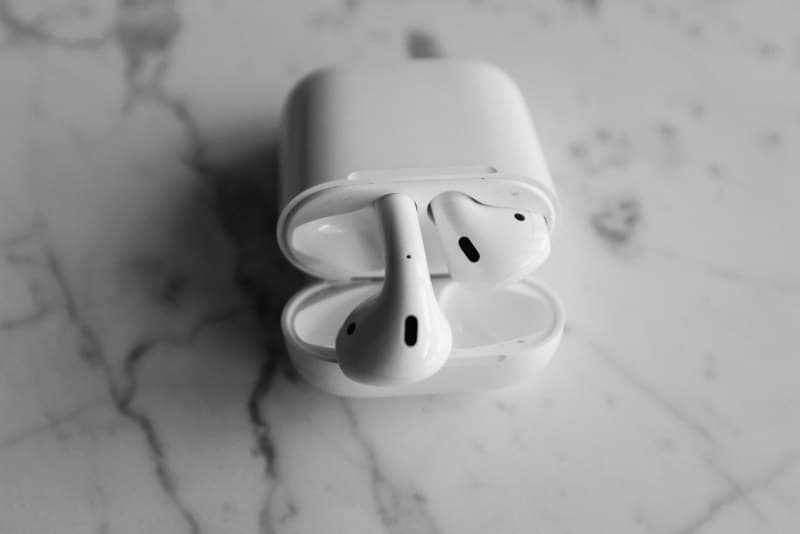
Last week, my friend Sarah was in the middle of a crucial work call when her wireless earbuds died. She’d charged them the night before, but they only lasted an hour. Turns out, she was making one of the most common wireless earbud mistakes: leaving them plugged in overnight. Sound familiar? If you’ve ever struggled with short battery life, fuzzy sound, or unresponsive buds, you might be guilty of these errors too.
5 Wireless Earbud Mistakes You’re Probably Making
1. Overcharging the battery 🪫
Leaving your earbuds in the charging case long after they’re fully charged is a surefire way to degrade their battery life. Modern lithium-ion batteries don’t need to be drained completely before charging—contrary to old myths. Myth busting: The “memory effect” (where batteries lose capacity if not fully discharged) only applies to older nickel-cadmium batteries, not the ones in today’s earbuds. Fix: Unplug the case once the LED indicator shows full charge, or use a case with auto-stop charging.
2. Ignoring firmware updates 🔄
Most people skip firmware updates for their earbuds, but these updates fix bugs, improve sound quality, and even boost battery performance. For example, Apple’s AirPods get updates that enhance noise cancellation, while Samsung’s Galaxy Buds fix connectivity issues. Fix: Open your earbud’s companion app (like Bose Music or Sony Headphones Connect) once a week to check for updates.
3. Cleaning only the ear tips (not the case) 🧼
Dirt, earwax, and dust build up in the charging case’s pins over time, leading to slow charging or no charge at all. Sarah’s earbuds died mid-call because the case’s pins were clogged with debris. Fix: Wipe the case with a damp microfiber cloth weekly, and gently clean the charging pins with a dry toothpick (be careful not to bend them).
4. Cranking the volume to max 🎶
Playing music at full volume doesn’t just damage your hearing—it also strains the earbuds’ drivers, leading to distorted sound over time. The World Health Organization recommends keeping volume below 60% of max for safe listening. Fix: Use your phone’s volume limiter to cap sound at 60%, or adjust the earbuds’ volume directly via the app.
5. Storing earbuds in extreme temperatures ❄️🔥
Leaving your earbuds in a hot car or a freezing backpack can damage their battery and internal components. Cold temperatures slow down battery chemical reactions, while heat can cause the battery to swell. Fix: Store your earbuds in a room-temperature spot, like your bag’s inner pocket, and avoid leaving them in direct sunlight.
Here’s a quick breakdown of 3 key mistakes and how to fix them fast:
| Mistake | Impact | Quick Fix |
|---|---|---|
| Overcharging | Battery degradation over time | Unplug case once fully charged |
| Ignoring firmware updates | Poor sound/connectivity | Check app for updates weekly |
| Dirty charging case | Slow or no charging | Clean pins with a dry toothpick monthly |
“A stitch in time saves nine.” — English Proverb
This old saying applies perfectly to earbud care. Fixing small issues (like cleaning the case) now prevents bigger problems (like dead earbuds mid-call) later. Sarah started cleaning her case weekly and unplugging it once charged—her earbuds now last 5 hours instead of 1.
FAQ: Common Earbud Questions
Q: Can I use any charging cable for my earbuds?
A: Not always. Using a non-certified cable can damage the battery or charging case. Stick to the cable that came with your earbuds, or use a certified USB-C/Lightning cable from a trusted brand like Anker or Belkin.
By avoiding these 5 mistakes, you’ll extend your earbuds’ lifespan and get the best possible performance. Whether you’re using budget buds or high-end models, a little care goes a long way.