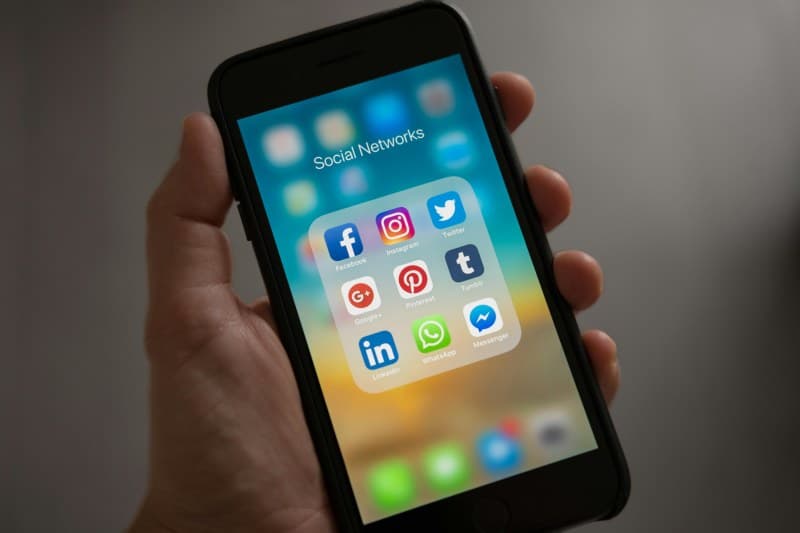
Last week, I sat down to finish a client report—fresh coffee in hand, desk tidy. But every 5 minutes, my phone buzzed with a notification. By the time I closed the 10th tab (half of which were cat videos and recipe blogs), an hour had passed. Sound familiar? We all have hidden digital habits that sneakily drain our focus without us noticing.
The 4 Hidden Habits Stealing Your Focus
1. Constant Notification Peeks 📱
Even a quick glance at a text or social media alert disrupts your brain’s flow. A 2023 study from the University of California found that it takes an average of 23 minutes to get back to a task after a distraction. For example, my friend Sarah— a graphic designer—used to check every Instagram notification as it popped up. She noticed her design projects took 30% longer to finish until she turned off non-essential alerts.
Quick Fix: Go to your phone settings and disable notifications for apps that don’t need real-time attention (looking at you, TikTok). Use “Do Not Disturb” during 25-minute focused work blocks.
2. Multitasking Across Apps ⚡
Our brains aren’t built for true multitasking. Switching between emails, Slack, and a work document reduces efficiency by up to 40%, according to Stanford University research. I once tried to write an email while on a Zoom call— I missed the team’s key decision and had to ask for a recap later.
Quick Fix: Use single-tasking blocks. Dedicate 25 minutes to one task (e.g., writing a report) without opening other apps. Then take a 5-minute break.
3. Mindless Scrolling During Breaks 📱
Grabbing your phone for a “quick break” often turns into 20 minutes of scrolling. This overstimulates your brain, leaving you more tired than before. My cousin Mike— a teacher—used to scroll Twitter during lunch breaks. He found himself yawning through his afternoon classes until he swapped scrolling for a 10-minute walk around the school.
Quick Fix: Try a non-screen break: stretch, drink water, or chat with a colleague. Your brain will thank you.
4. Background Apps Cluttering Your Screen ⚡
Open tabs or apps in the background are visual distractions, even if you don’t use them. Having 15 tabs open makes it hard to focus on the one you need. I used to keep 20+ tabs open (research, articles, social media) and would get overwhelmed just looking at my browser.
Quick Fix: Close unused tabs/apps at the end of each task. Use a tab manager if you need to save links for later.
Habit Impact & Fix Comparison
Here’s a quick breakdown of each habit, its impact, and how to fix it:
| Habit | Impact | Quick Fix |
|---|---|---|
| Constant Notification Peeks | 23-minute focus recovery time | Disable non-essential alerts + Do Not Disturb |
| App Multitasking | 40% efficiency drop | Single-tasking 25-minute blocks |
| Mindless Scrolling Breaks | Overstimulation & fatigue | Non-screen breaks (walk/stretch) |
| Background App Clutter | Visual distraction & overwhelm | Close unused tabs/apps |
Wisdom to Remember
“Concentration is the root of all higher abilities in man.” — Bruce Lee
Bruce Lee’s words ring true in our digital age. Concentration is a superpower, but our small daily habits often chip away at it. By fixing even one of these habits, you can reclaim your focus and get more done with less stress.
Common Question
Q: Can I still use social media and maintain focus?
A: Yes! The key is intentionality. Set specific times (e.g., 7 PM to 7:30 PM) to scroll instead of checking it randomly. Use app timers (like Screen Time on iOS) to limit your usage.
Start small— pick one habit to fix this week. You’ll be surprised at how much more focused and productive you feel.