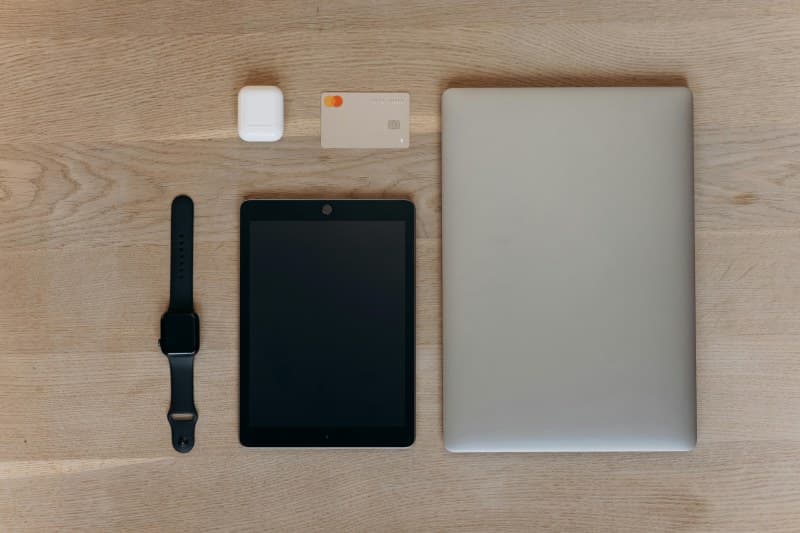
Last week, I sat down to finish a report by 3 PM. I opened my laptop, checked my email (quickly, I told myself), then clicked on a social media notification. Next thing I knew, it was 4:30 PM, and my report was still half-done. Sound familiar? We all have digital habits that sneakily steal our time and focus.
The 3 Digital Habits That Drain Your Productivity
1. Constantly Checking Notifications 📳
Every time a notification pops up—whether it’s a likes on your photo or a Slack message—your brain switches focus. This is called context switching, and studies show it takes up to 23 minutes to get back to deep work. Even a quick glance disrupts your flow.
Myth: “I can just glance at it quickly.” No—even a 2-second look triggers your brain to shift gears, making it harder to pick up where you left off.
Fix: Turn off non-essential notifications (social media, games) during work hours. Use your phone’s focus mode to block distractions, or keep your phone in another room.
2. Multitasking Across Apps 🖥️
Jumping between a document, email, and social media at the same time doesn’t make you faster—it makes you more prone to mistakes. A Stanford study found multitasking reduces productivity by 40% and increases stress.
Myth: “I’m good at multitasking.” Most people aren’t—our brains are designed to focus on one task at a time. What feels like multitasking is actually rapid context switching.
Fix: Try the Pomodoro Technique: Work on one task for 25 minutes, then take a 5-minute break. Repeat this cycle 4 times, then take a longer break (15-30 minutes).
3. Mindless Scrolling Before Bed 🛌
The blue light from screens suppresses melatonin, the hormone that helps you sleep. Poor sleep leads to low energy and reduced focus the next day. Scrolling also overstimulates your brain, making it harder to wind down.
Myth: “Scrolling helps me relax.” It actually keeps your brain active, delaying the onset of sleep.
Fix: Replace screen time with a book, meditation, or gentle stretching 30 minutes before bed. Use blue light filters if you must use a screen.
Compare the Habits: Impact & Fixes
Let’s break down these habits side by side to see their effects and quick solutions:
| Habit | Key Impact | Quick Fix |
|---|---|---|
| Constant Notification Checks | Context switching reduces focus by 23% | Turn off non-essential notifications |
| App Multitasking | 40% drop in productivity + more errors | Pomodoro Technique (25 mins focused work) |
| Bedtime Scrolling | Suppresses melatonin → poor sleep → low productivity | Swap screens for reading/meditation 30 mins pre-bed |
Wisdom to Remember
“Concentrate all your thoughts upon the work in hand. The sun’s rays do not burn until brought to a focus.” — Alexander Graham Bell
Bell’s words ring true for digital habits. When we spread our attention thin across notifications and apps, we lose the focus needed to get things done. By focusing on one task at a time, we can achieve more in less time.
FAQ: Can I Use Social Media Without Draining Productivity?
Q: I need social media for work (like marketing). How do I use it without getting distracted?
A: Schedule specific times for social media (e.g., 10 AM and 3 PM for 15 minutes each). Use tools like Forest app to block distracting sites during work hours. This way, you’re in control instead of reacting to notifications.
Real-Life Success Story
My friend Sarah, a freelance writer, used to check her phone every 10 minutes. She tried the Pomodoro technique and turned off all notifications except client emails. Within a week, she finished her projects 2 hours earlier each day—giving her more time to spend with her kids. “I didn’t realize how much time I was wasting until I stopped checking my phone,” she said.
Small changes to your digital habits can make a big difference. By being mindful of how you use tech, you can reclaim your time and focus. Remember: It’s not about cutting out tech entirely—it’s about using it intentionally.